Skip the template editor: add your photos, pick a collage style, and Goodbye2026 lays out 4 year-in-review collages for you. From $4.99, no sign-up needed.
Example · AI-generated1/2
Polaroid Wall style (AI-generated person)
Same trend. Your photo. Pets and people in examples are AI-generated.
Year in review collage examples
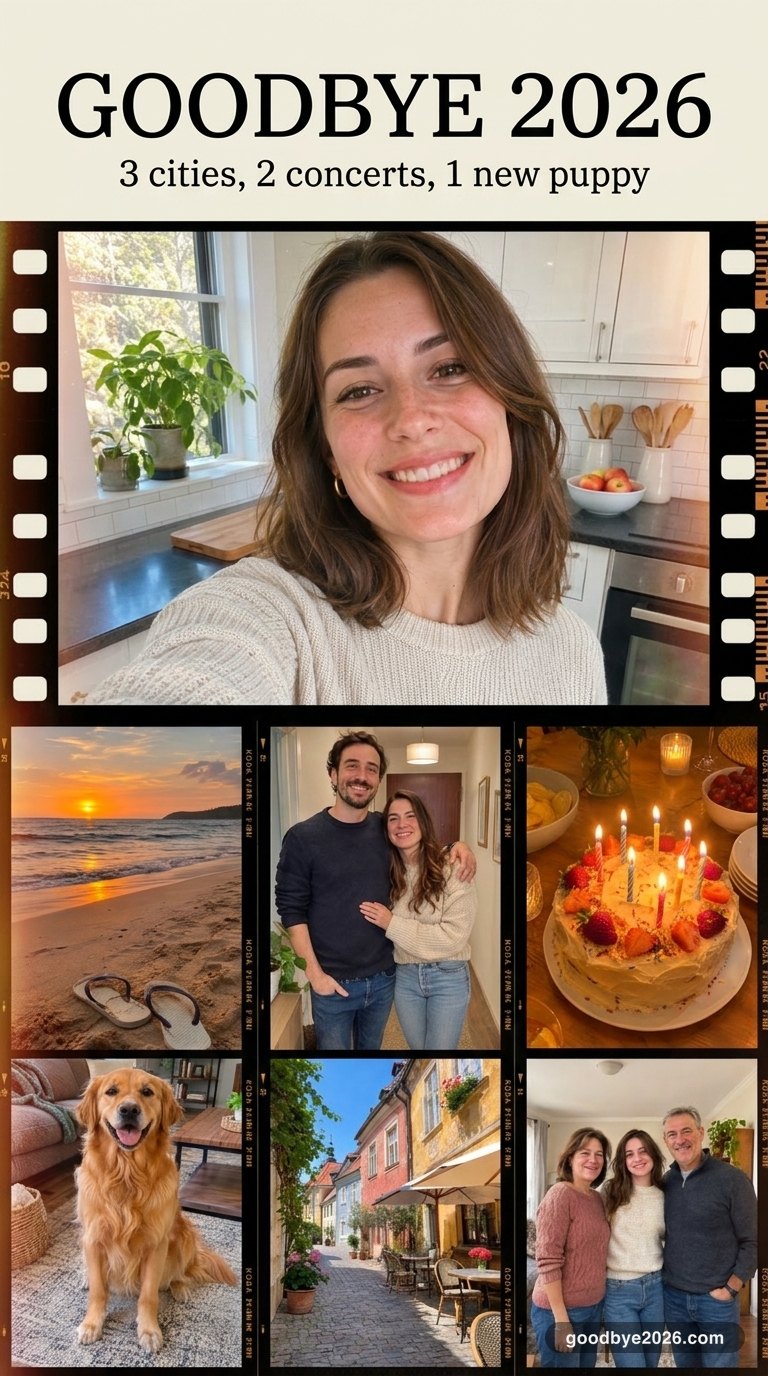
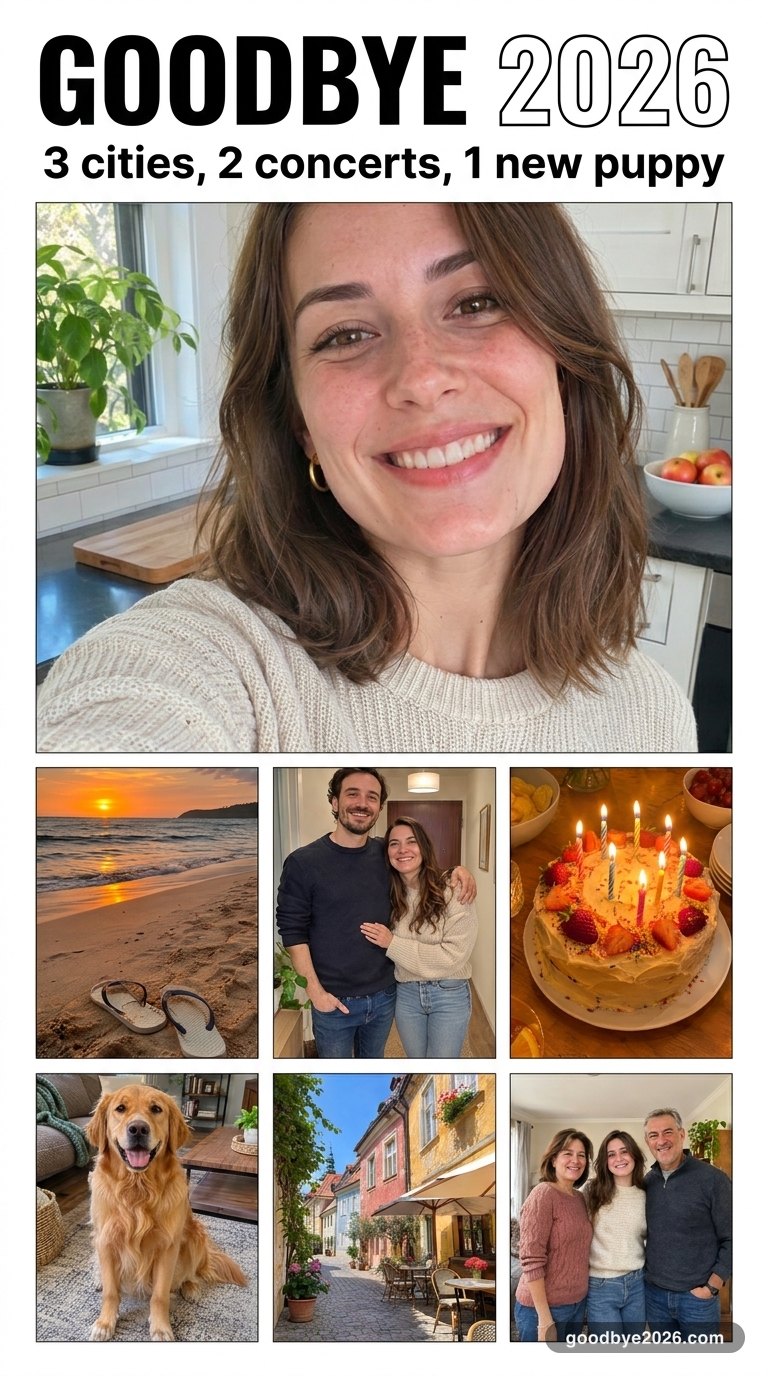
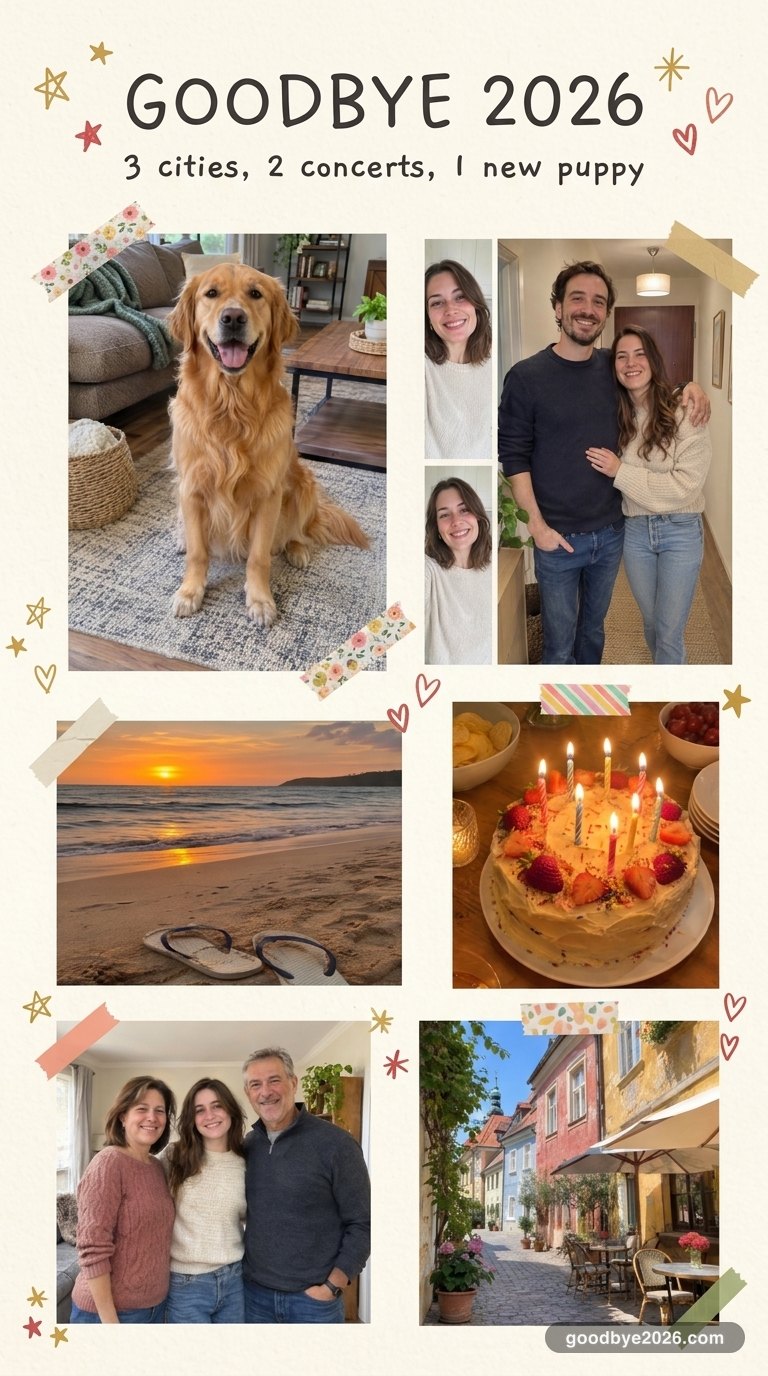
Film Strip, Magazine Cover and Scrapbook collages made on this site from the same 7 photos.
Film Strip · AI-generated exampleMagazine Cover · AI-generated exampleScrapbook · AI-generated example
Polaroid Wall pins your photos to a cozy wall with fairy lights. 12 Months puts them in a clean calendar grid. Scrapbook adds washi tape and doodles. Magazine Cover makes your best photo the cover. Film Strip puts them on a vintage contact sheet.
Unlike a template app, you don't drag photos into boxes: the AI picks the layout, matches the colors across all photos and adds the GOODBYE 2026 title and your line.
Getting a clean collage
Use photos from different months and places, with faces clear in at least a few. Screenshots and photos full of text don't work well.
No sign-up needed to buy – we email your image and a sign-in link.
FAQ
How many photos can a collage have?
6 to 12. With more than 12 each photo gets too small to see on a phone.
Can I move photos around myself?
Not in an editor. Each recap gives you 4 different layouts to choose from, and if none fits you can make another recap or ask for a refund.
Do I need an account?
No. You can add photos and pick a style without signing up, then enter your email at checkout. We email your posters and a sign-in link. You can also continue with Google.
How much does it cost?
2 recaps (8 posters) for $4.99, 5 recaps (20 posters) for $9.99, or 12 recaps (48 posters) for $19.99. You pay once; it's not a subscription. The posters are yours to post, print or send.
Do you keep my photos or train AI on them?
No. Your photos are only used to make your recap and aren't used to train AI. Uploaded photos are deleted after 7 days, and you can delete your posters anytime in My recaps.
What if a poster looks wrong?
The AI keeps the people from your photos and only restyles the layout, light and colors, but now and then a face or a word can come out off. Email {supportEmail} and we refund that recap. If a recap fails, it comes back to your balance automatically.
 Goodbye2026